

"Thank for your enquiry, we will get back to you soon." A small business owner on Square's community forum asked in 2021 how to send exactly that, typo and all, and plenty of us have sent something close to it. The trouble is "soon". The person reading it has one question left after pressing Submit, and "soon" doesn't answer it.
A better auto-reply keeps the confirmation and adds three things: what happens to the inquiry next, a reply time you can actually keep, and one useful thing to do while they wait. The form sends it the moment they press Submit.
What should the auto-reply say?
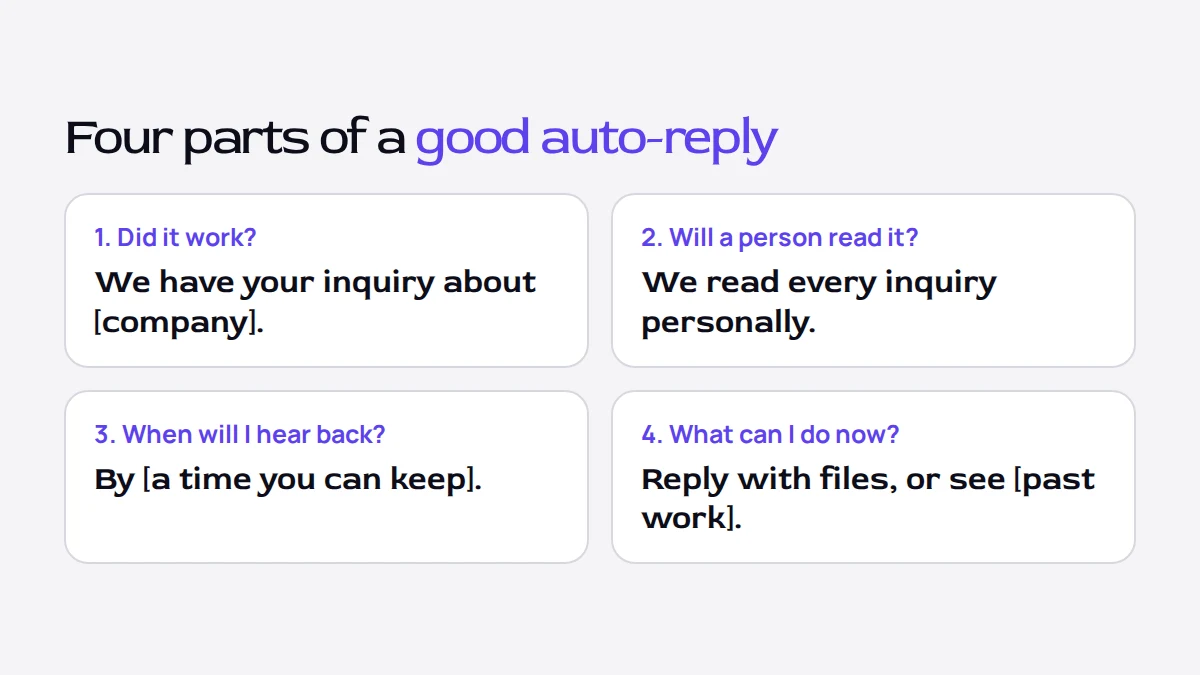
Each part answers a question the person has right after pressing Submit:
| The person wonders | The reply says |
|---|---|
| Did it work? | We have your inquiry about [their project or company]. |
| Will a person read it? | We read every inquiry personally. |
| When will I hear back? | A specific time, such as "by the end of tomorrow". |
| What can I do now? | One link or one action, such as your past work or a reply with extra files. |
If your form tool can put an answer into the email, use one in the first line, such as their company name, so the person can see at once which inquiry the email is about.
Wording you can copy
Change the parts in brackets. The first two are our own wording; the third is taken unchanged from a Kaptly template. Each is under 80 words, which fits on a phone screen.
For a regular inquiry
Subject: We have your inquiry, [first name]
Thanks for the details about [company]. [We read / I read] every inquiry personally, and you will hear back by [time you can keep], with either a few questions or a suggestion for a short call. If there is anything you forgot to mention, or files you want to share, just reply to this email.
When it arrives outside working hours
Subject: We have your inquiry, [first name]
Thanks for writing about [company]. Your message came in outside working hours, so it will be read first thing on [next working day], with a reply by [time] that day. In the meantime, you can look at [a page with past work or prices].
When it is something you do not take on
Kaptly is our product, and its New client inquiry template sends this email when a person picks "Something else" as the service they need:
Subject: Thanks for reaching out, [first name]
Thanks for the details — "[what they wrote]" isn't something we take on day to day, so we didn't want to leave you waiting. If it's helpful we're happy to point you toward someone who focuses on exactly that, just reply to this email. And if we've misread what you need, reply too and we'll take another look.
The person gets an honest answer within a minute instead of waiting for a reply that was always going to be no, and the offer of a referral keeps the door open.
How fast should you promise to reply?
Promise the reply time you could keep in your busiest normal week. Quiet days make everyone look fast. And if you miss the time you promised, that's the first thing the client learns about how you work, before they've seen a single project.
My own rule depends on how many inquiries come in. On a day with up to five, I reply to each within two hours of it arriving. On busier days the wait grows: each inquiry beyond the fifth adds about two hours to the next reply. So an auto-reply that promised "within two hours" would be wrong on exactly the days that matter most.
So the safer promise is a day. "By the end of the next working day", or the "one to two business days" that Kaptly's template uses, leaves room for a busy day, and you can still reply sooner whenever you are able to.
What goes on the thank-you screen?
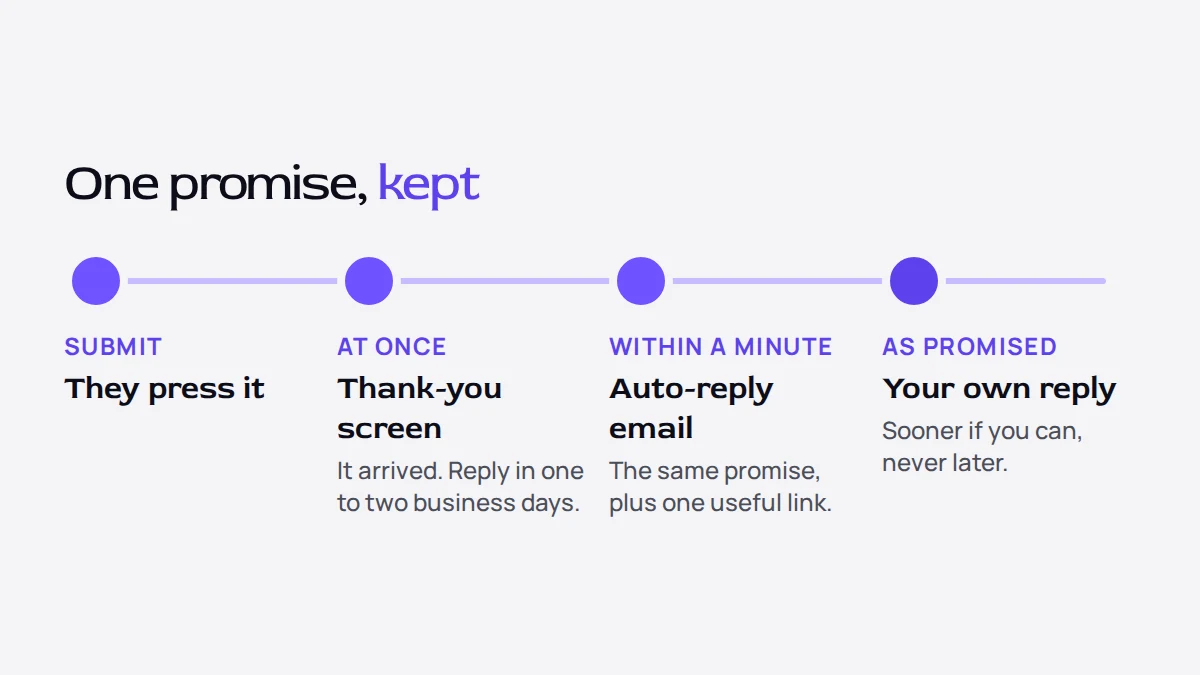
The thank-you screen and the email do different jobs. The screen is seen once, right after Submit, so it only needs to confirm the inquiry arrived and say what happens next. The email stays in the person's inbox, so the reply time and the useful link belong there too.
Kaptly's New client inquiry template shows this on its thank-you screen:
You're in
Thanks, [name] — we've got your inquiry and personally review every one. Expect to hear from us within one to two business days.
Keep the promise on the screen and in the email the same. If the screen says two hours and the email says two days, the person cannot tell which one to believe.
Should different inquiries get different replies?
They can. The person whose project you do not take on gets the polite redirect above, and everyone else gets the regular reply. If your form scores inquiries by budget or timing, the strongest can also send you an alert, so you see them first.
In Kaptly, a form can send several automatic emails, each with its own conditions on the answers, and any answer can be placed inside the email. The New client inquiry template comes with two replies to the person, the "Something else" redirect above and a regular confirmation, plus an alert to you when an inquiry scores as Hot. The article on asking for budget on your contact form explains how that score is built.
You can start from the New client inquiry template after creating an account and change every email in it to your own wording, or read in the Guide how automations work.
Sources
- Square Community: Contact Form Auto-Responder (question posted in 2021) — checked 2026-10-19